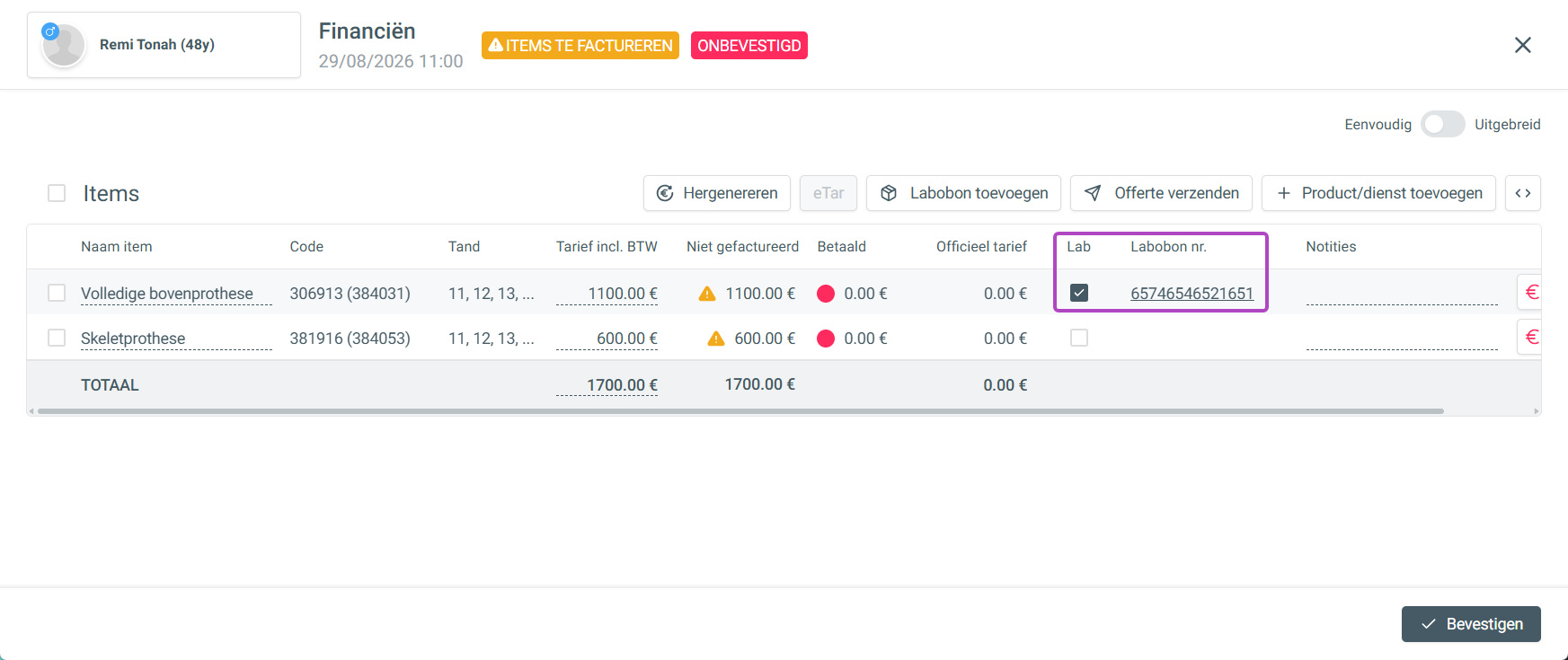
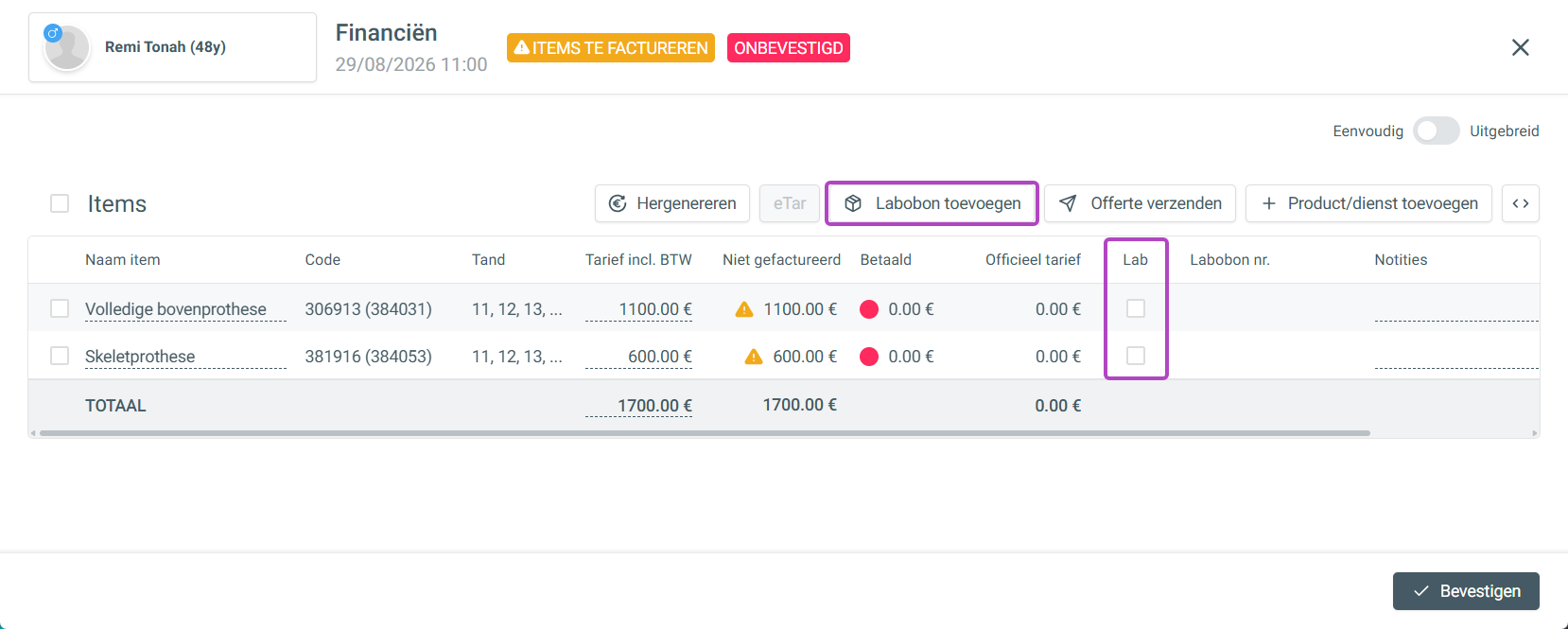
At the top of the treatment's finance panel, you can still add a lab slip. You can find out how to add a lab slip or link an existing one here.
In the products/services overview, you'll also find the [Lab] column, where you tick the box of the product/service to link (part of) a lab slip to it. You can set lab slips to be required automatically for certain products/services in the settings.
You can find out how to do that here.
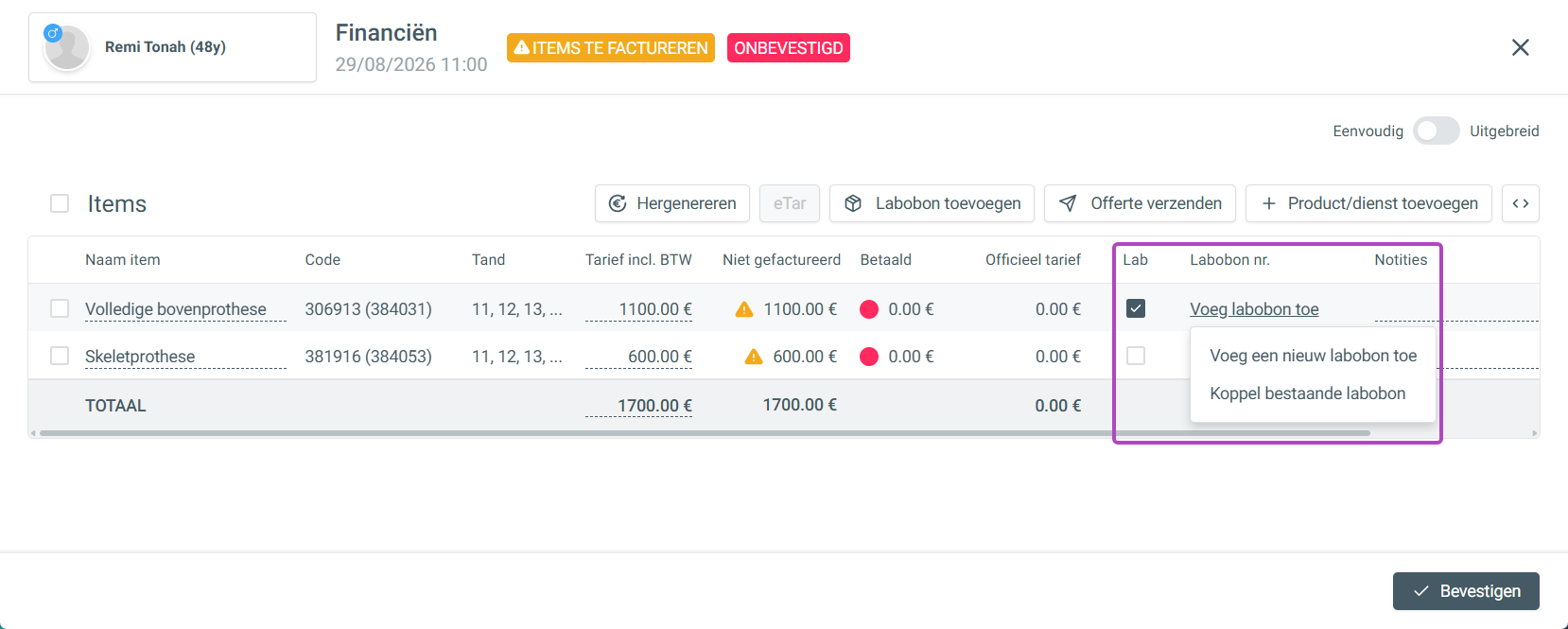
When you select the lab for one or more products/services, you get the option to add a lab slip. Here you can choose to add a new lab slip or link an existing one.
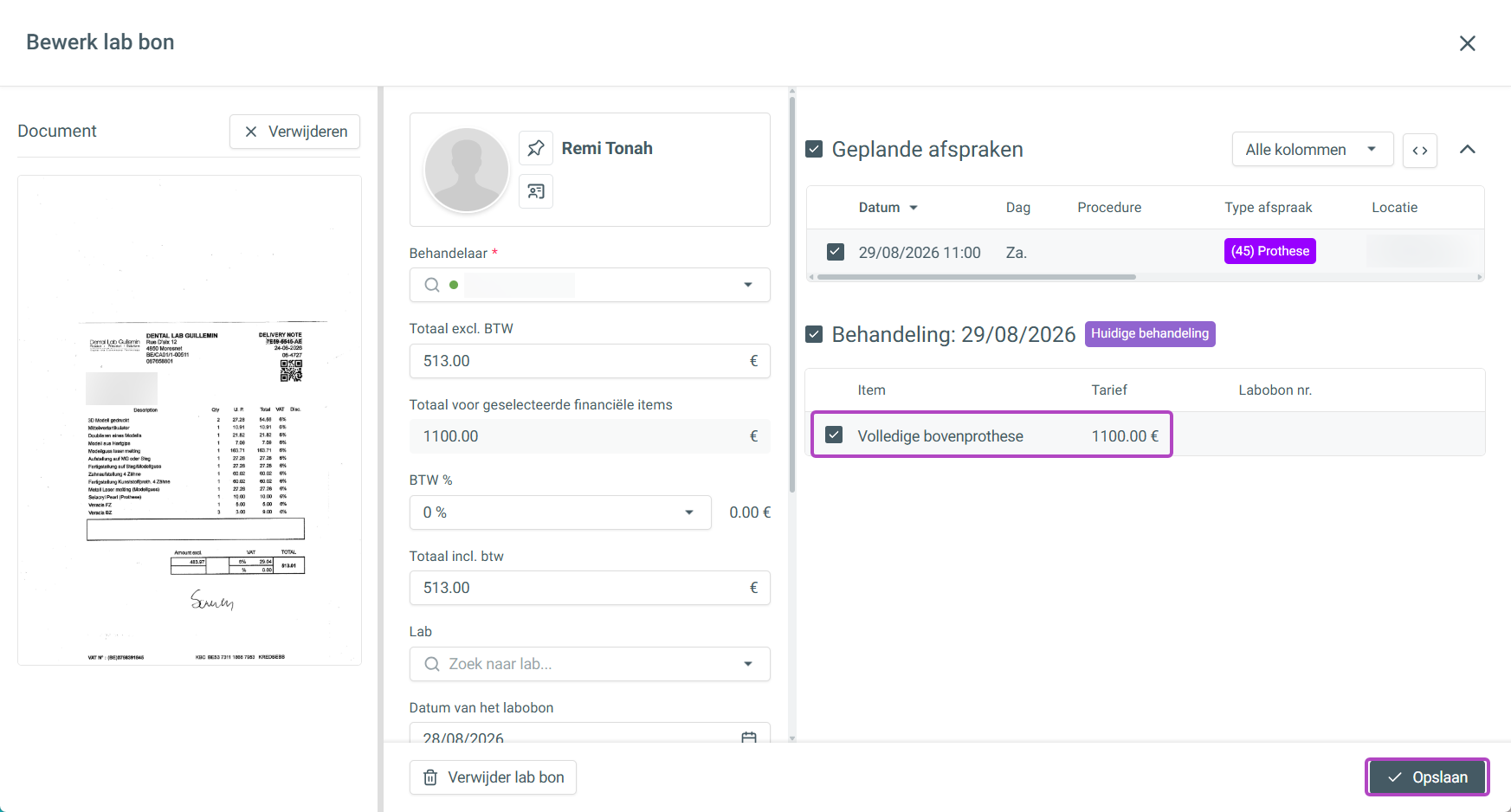
After adding a new lab slip or linking an existing one, link the correct product/service that this lab slip relates to. Then click [Save].
Once saved correctly, the lab slip is linked to the product/service in your finance panel.