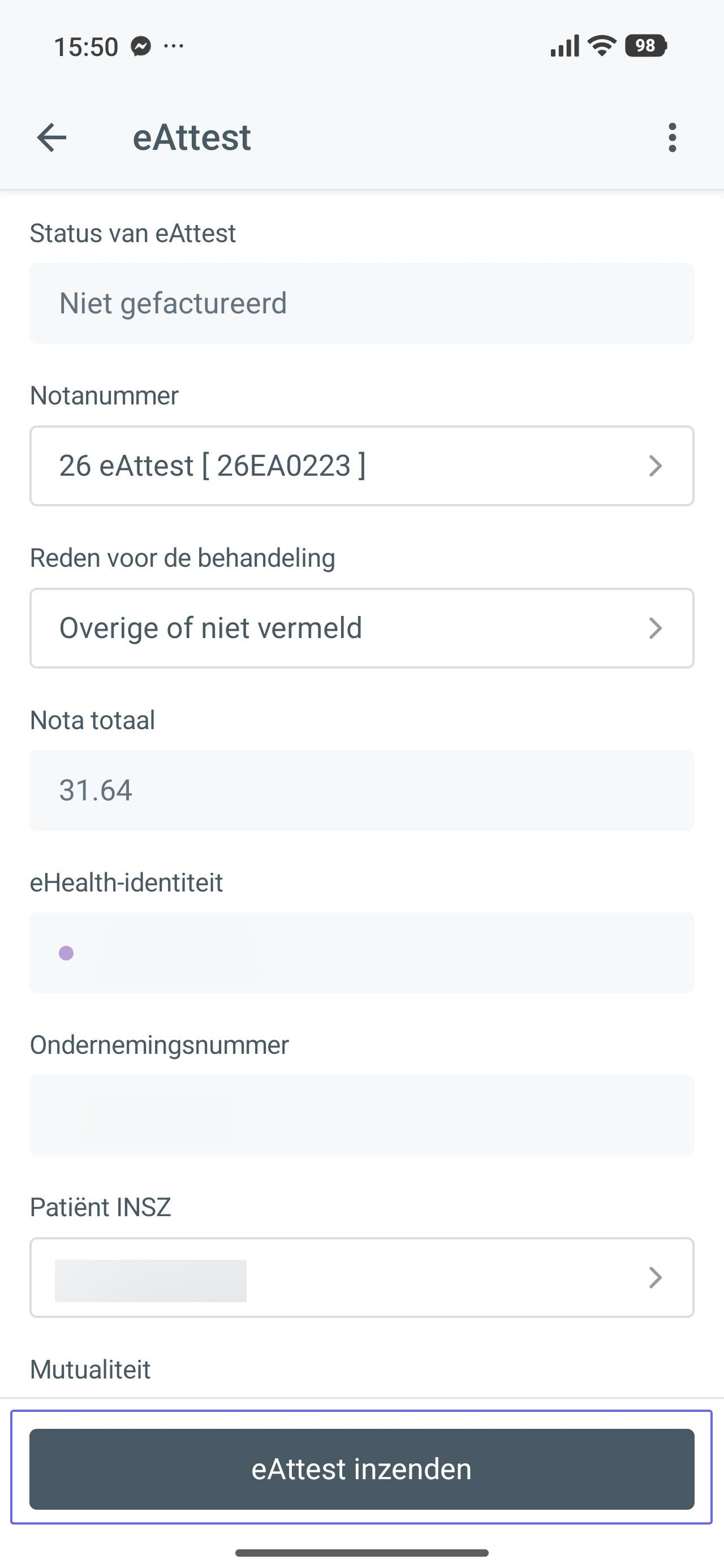
Important things that must be in order before you can send an eAttest:
After registering the treatment, tap ‘Finance’ at the bottom.
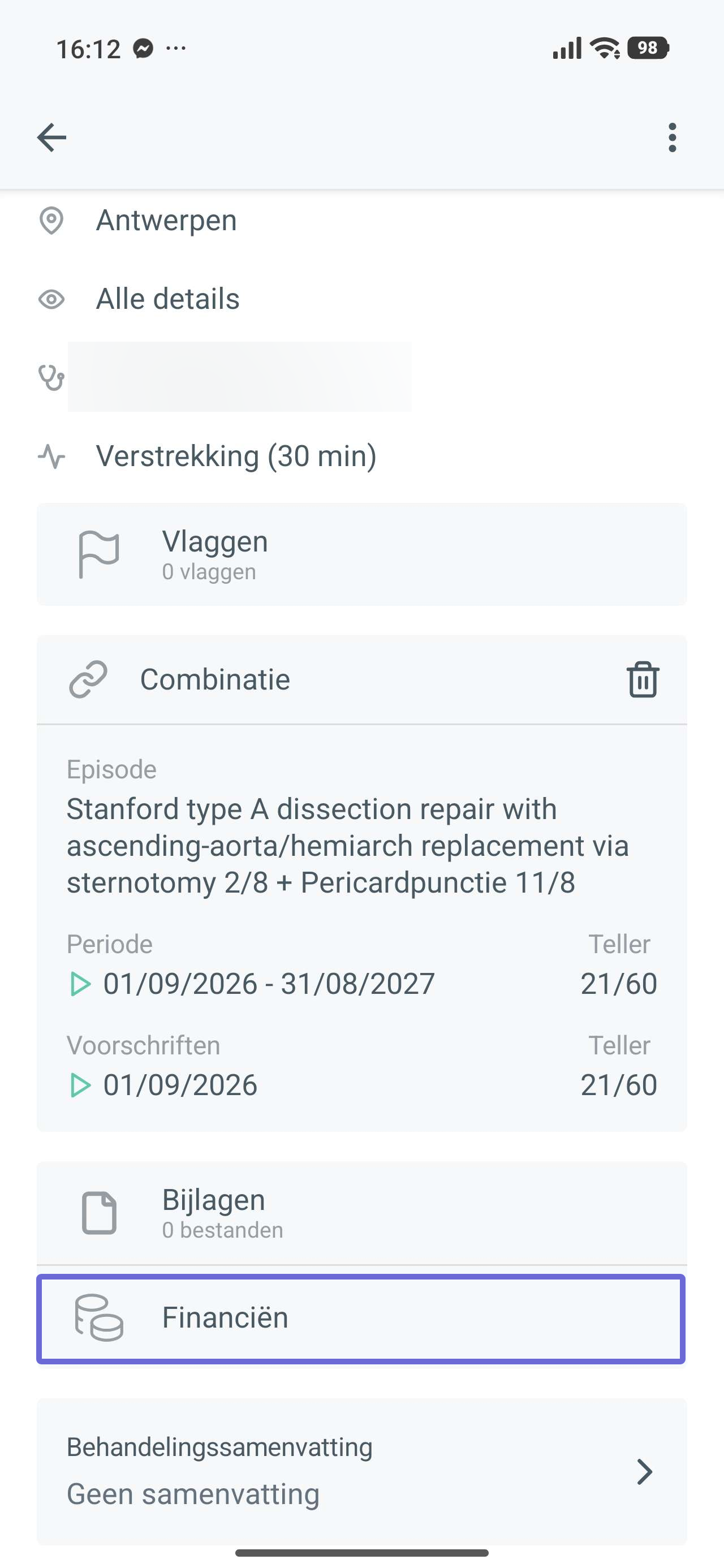
In the finance panel, add a payment to the treatment and then tap ‘eAttest’.
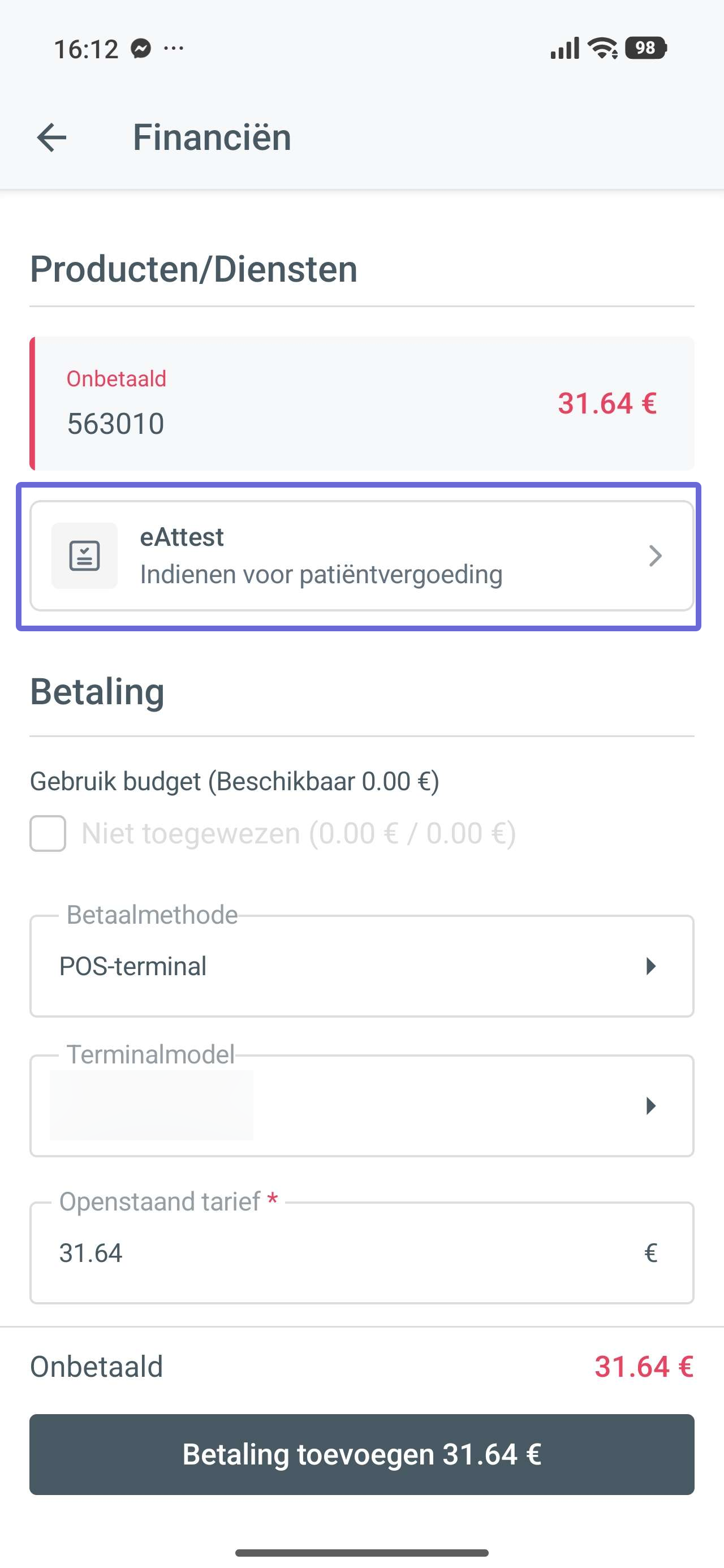
In the eAttest panel, choose Submit eAttest at the bottom. You immediately receive a response on whether your eAttest was approved or not.
For an approved eAttest, you also send the proof from the mobile app, if this does not happen automatically yet.