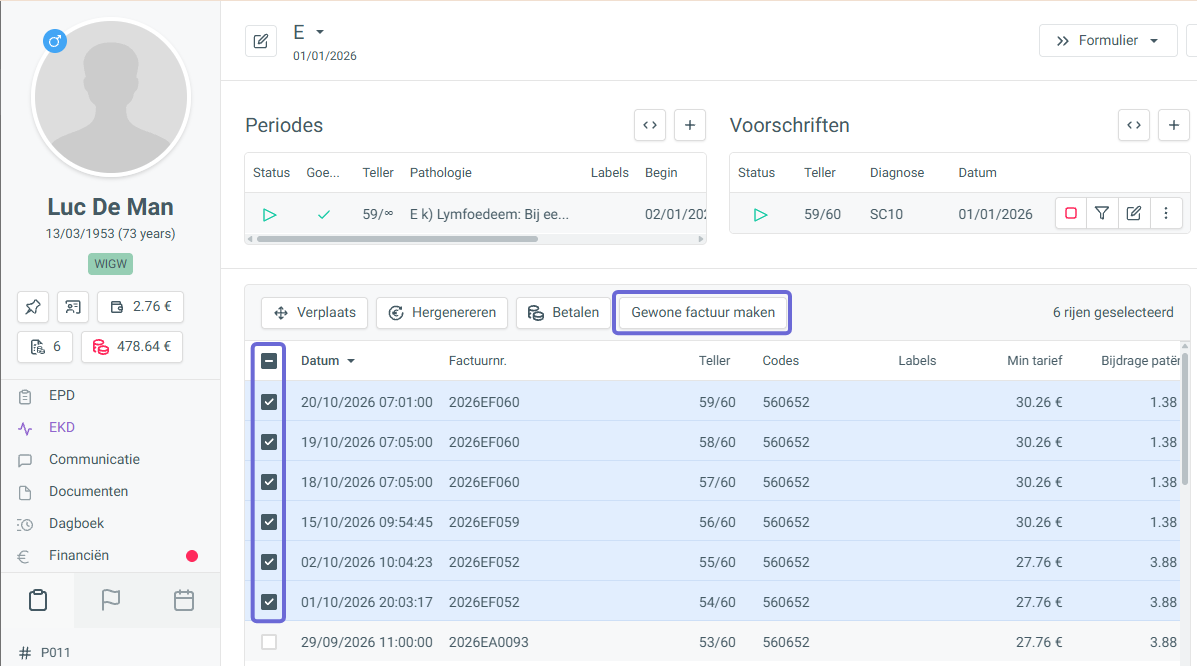
After sending the eFact invoices to the insurance institution (VI), select the treatment(s) for which no patient invoice has been created yet, then choose ‘Create regular invoice’ at the top of the list.
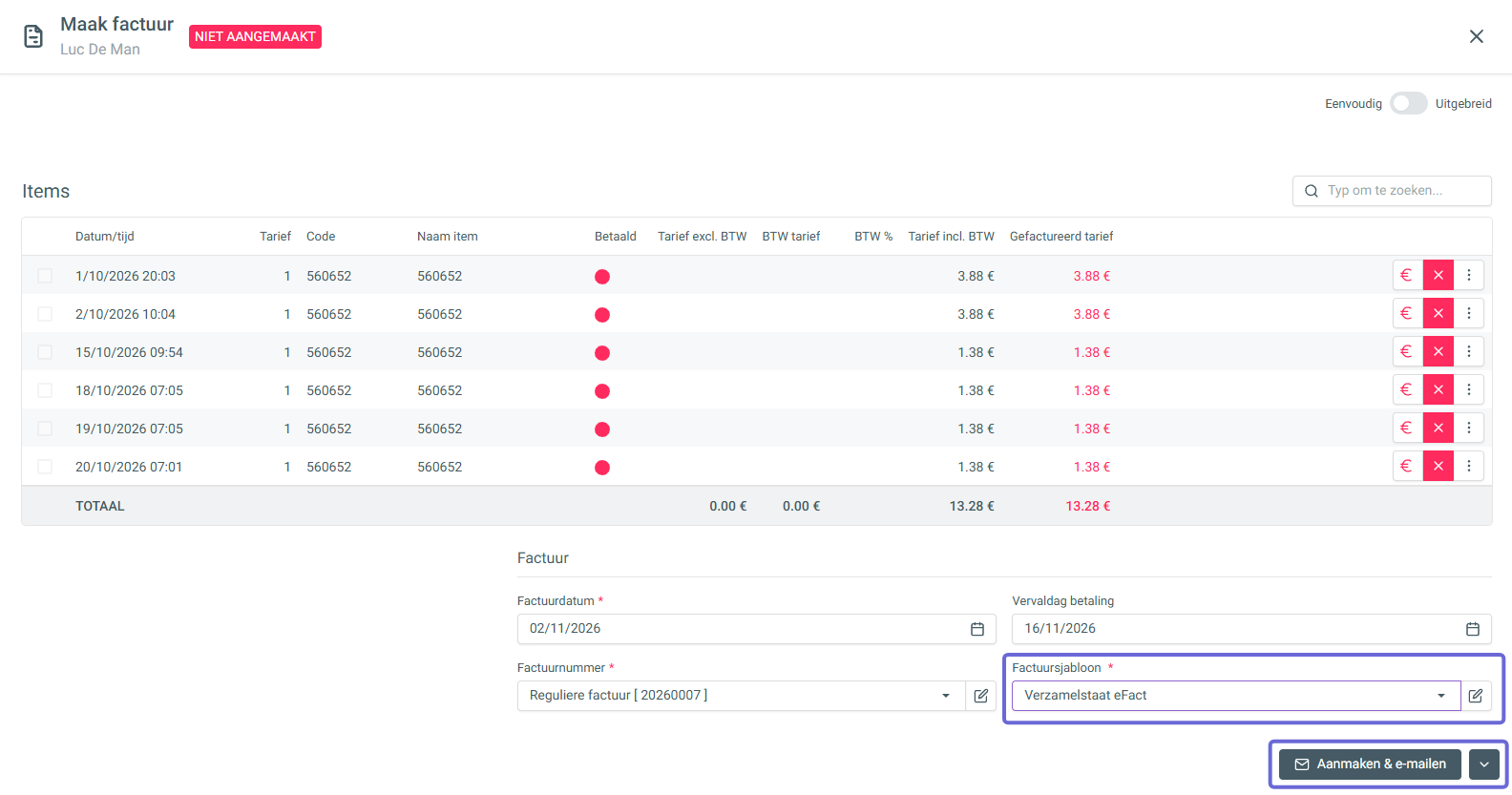
The finance panel opens, where you create the invoice. Here you can choose the default eFact summary statement template. You can then still choose to send it by email, download it or print it.
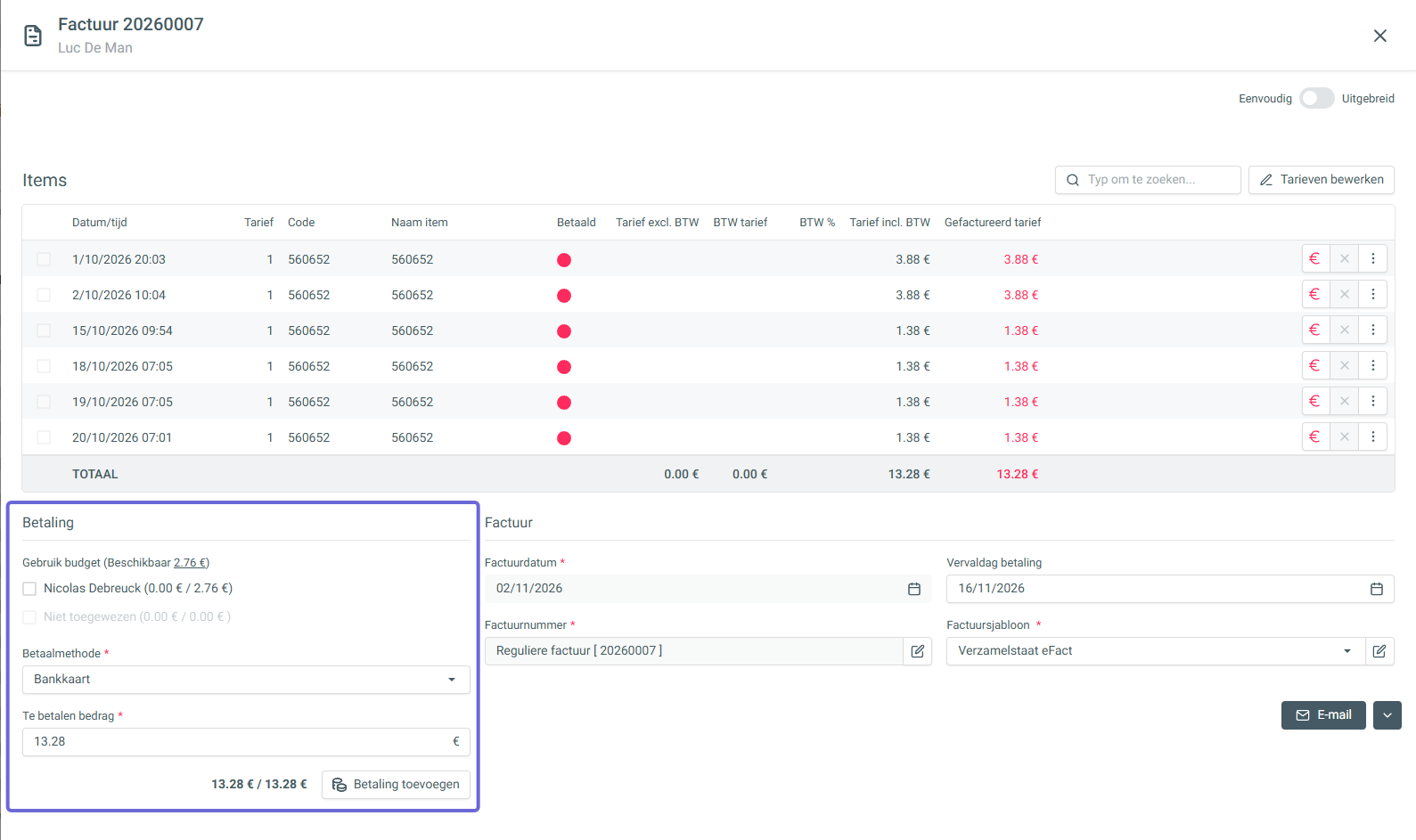
After creating the invoice, you can also add a payment to the treatments on this summary statement.