
See also: Mollie - Activating online payments
Via [Settings] > [Invoicing], go to [Print & mail].
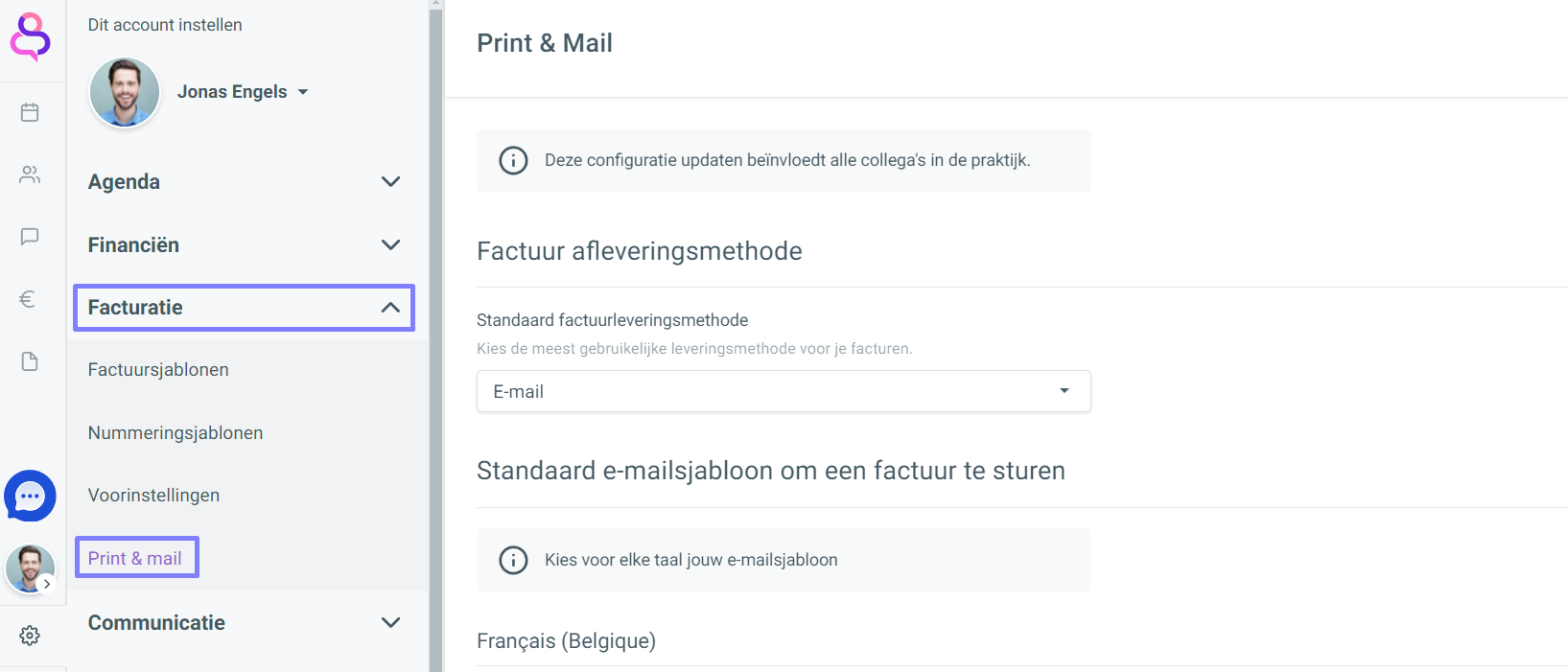
For each language, select the email template you want to use by default when sending an invoice. If you do not want to set an email for a language, select the Do not send for this language option in the drop-down menu.
If needed, click [Edit template] or [Create template] to edit the chosen email template or to create a new one.
In the same way, choose the default email templates for an online payment request.