To view all eAgreements / digital requests, go to the patient portal at the top left. There you will find the section [eAgreements] -> [Requests].
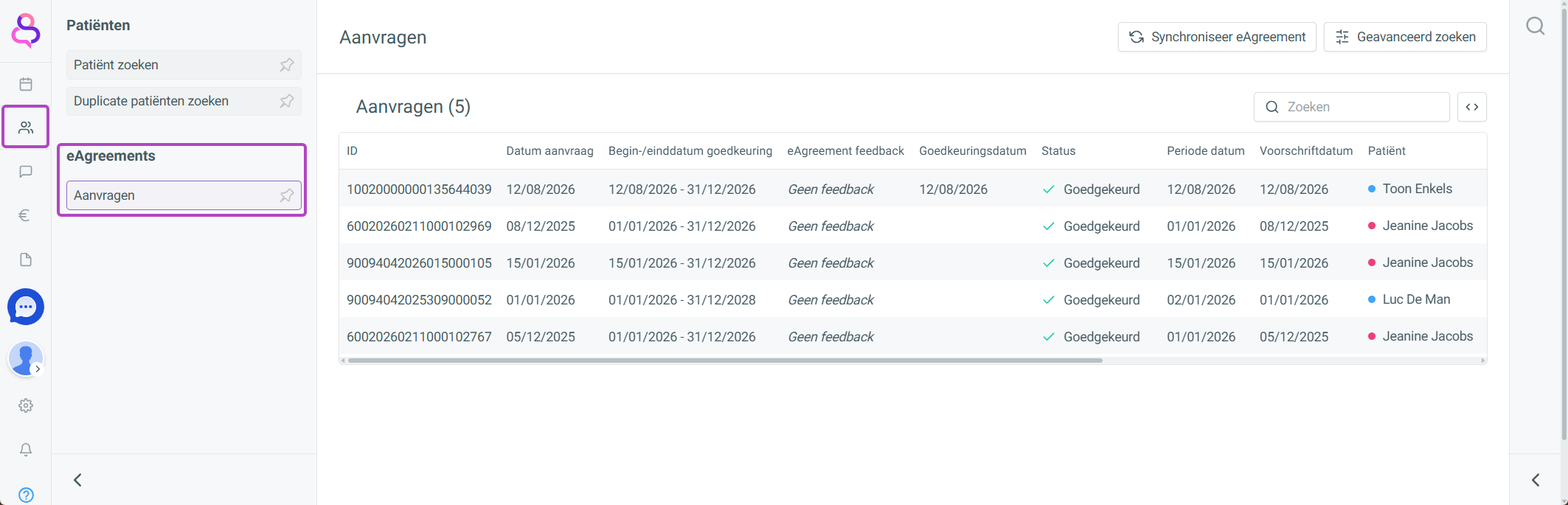
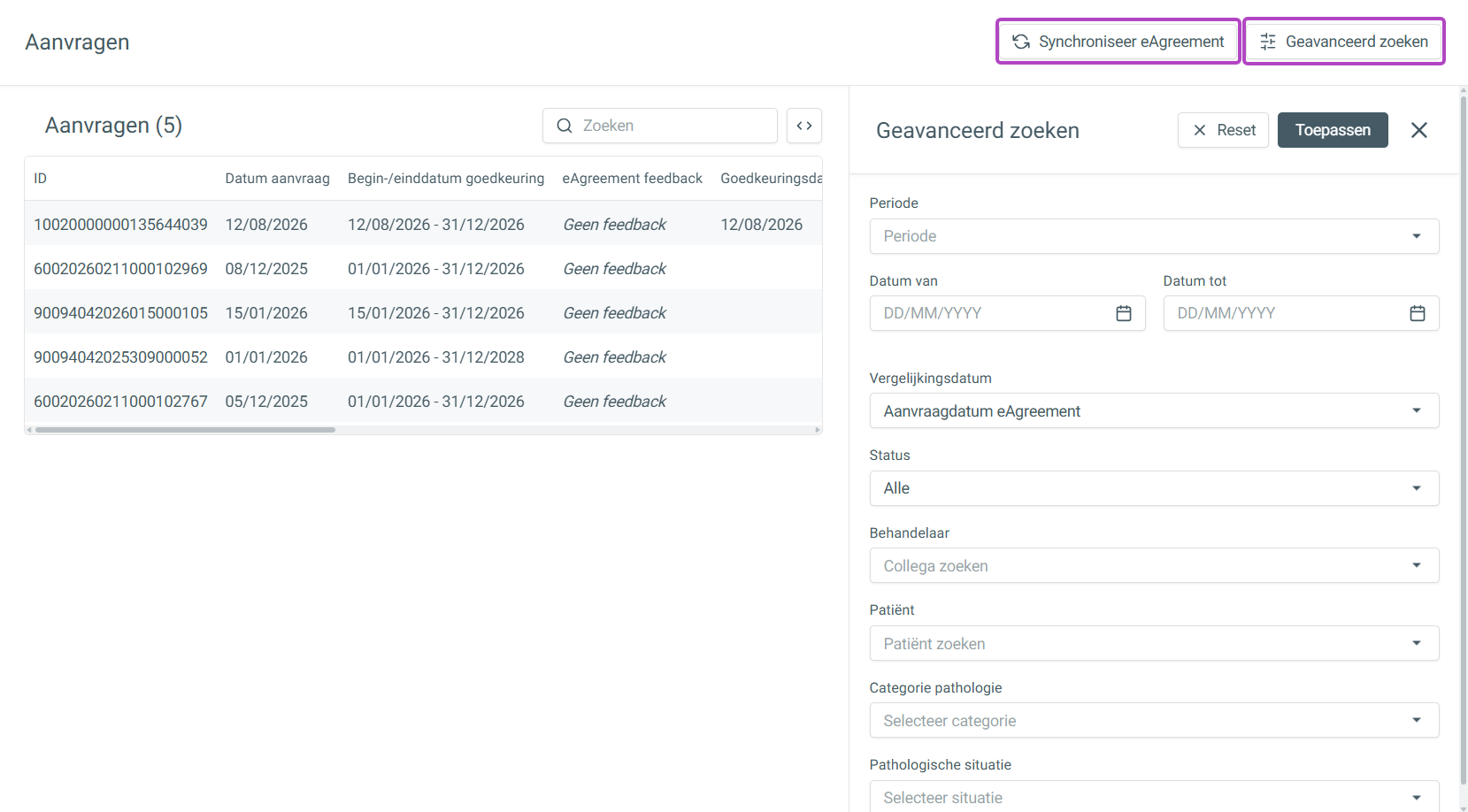
This list contains all digital requests. You can synchronize them by choosing [Sync eAgreement].
By choosing [Advanced search], you can filter on specific patients, practitioners, etc.