
Click your profile picture at the bottom left > Edit profile > Basic details.
Under the Language section, set the language of your account:
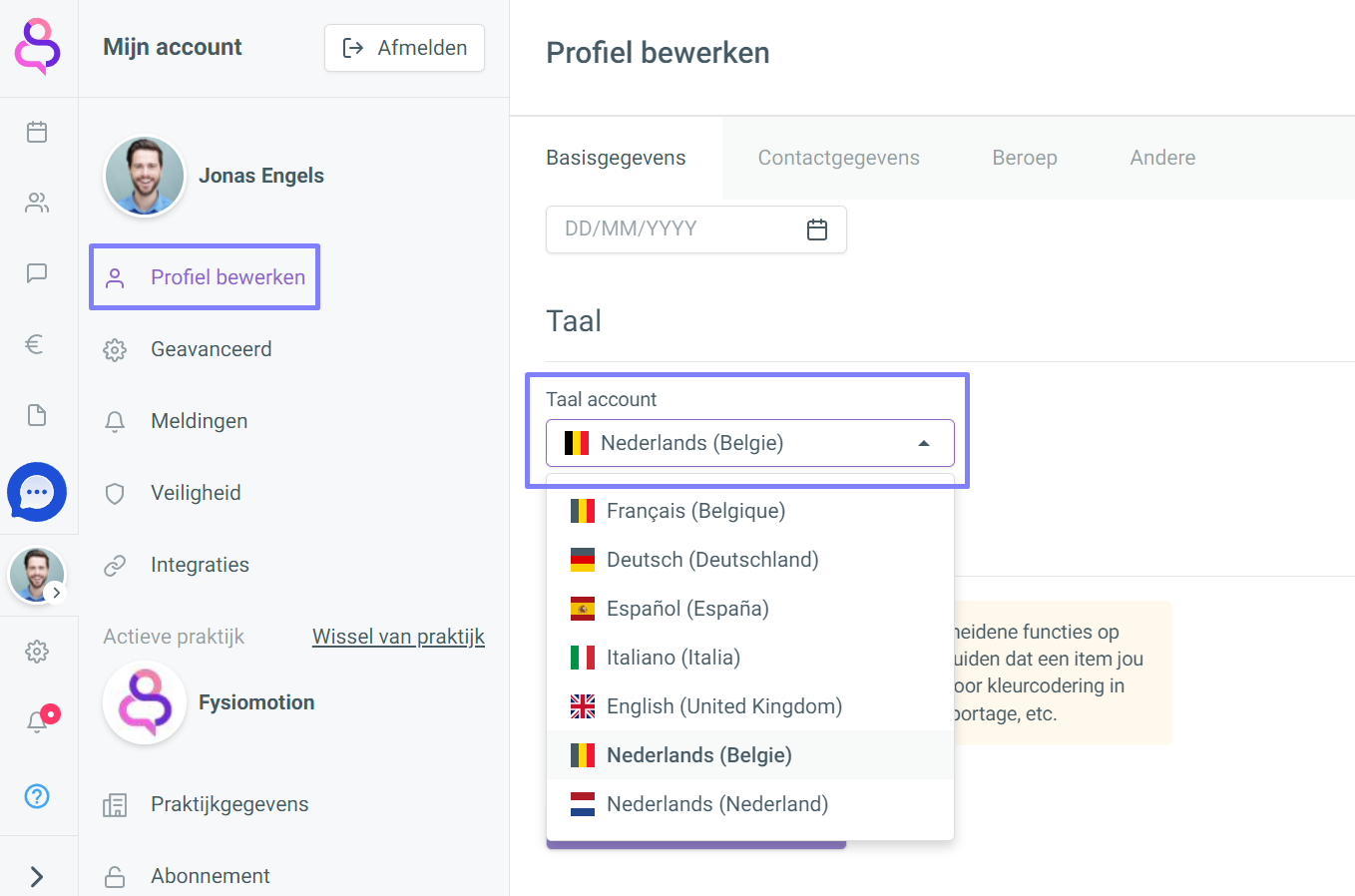
After you select a language, your account reloads automatically in the new language.
Click your profile picture at the bottom left > Edit profile > Basic details.
Under the Language section, set the language of your account:
After you select a language, your account reloads automatically in the new language.